Snipora
A Mac menu bar text expander with on-device suggestions that turns short abbreviations into full text.
Visit Website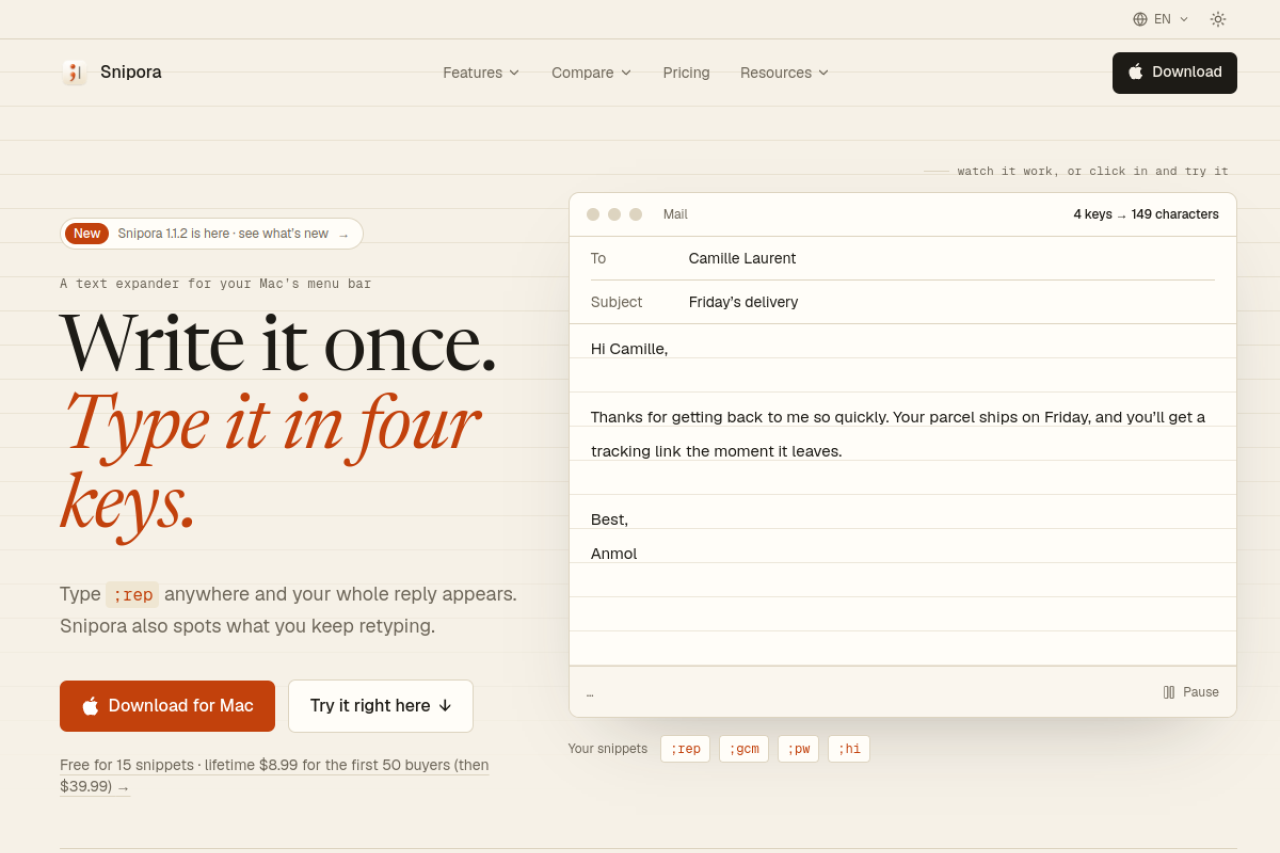
About Snipora
Snipora is a text expander for macOS that lives in your menu bar. You write a snippet once, then type a short abbreviation such as ;addr in any Mac app, including Mail, Slack, Notion, Xcode, Terminal, and web forms, and the full text appears instantly. Snippets can include fill-in forms, dates, and per-app rules, so the same abbreviation can behave differently depending on where you type it. Pasting is used instead of simulated typing, so formatting, emoji, and accents come through intact, and the clipboard is restored afterward. Pressing Esc right after an expansion brings back the original abbreviation if it was not intended.
Snipora also watches for phrases you retype often. After you type the same phrase three times, it offers to turn it into a snippet with a suggested abbreviation. This analysis runs in memory on the Mac, and nothing is written to disk or sent elsewhere. The app is native SwiftUI, requires no account, and keeps snippets on the user's Mac. Snippets can be imported from macOS Text Replacements, TextExpander, Espanso, Alfred, and Raycast, and exported as Contacts cards, CSV, or JSON.
Snipora is aimed at Mac users who write the same emails, replies, addresses, or code snippets repeatedly, such as customer support staff, freelancers, developers, and anyone who wants privacy-respecting text expansion without a subscription. The free tier allows 15 snippets, and a lifetime license is offered for a limited introductory price.
More Products
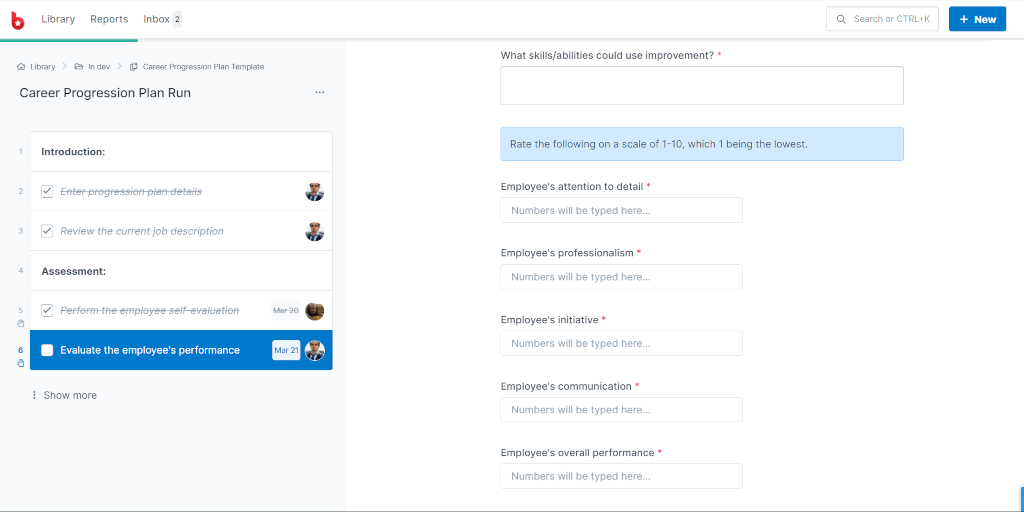
Process Street
Agentic process automation for high-stakes operations
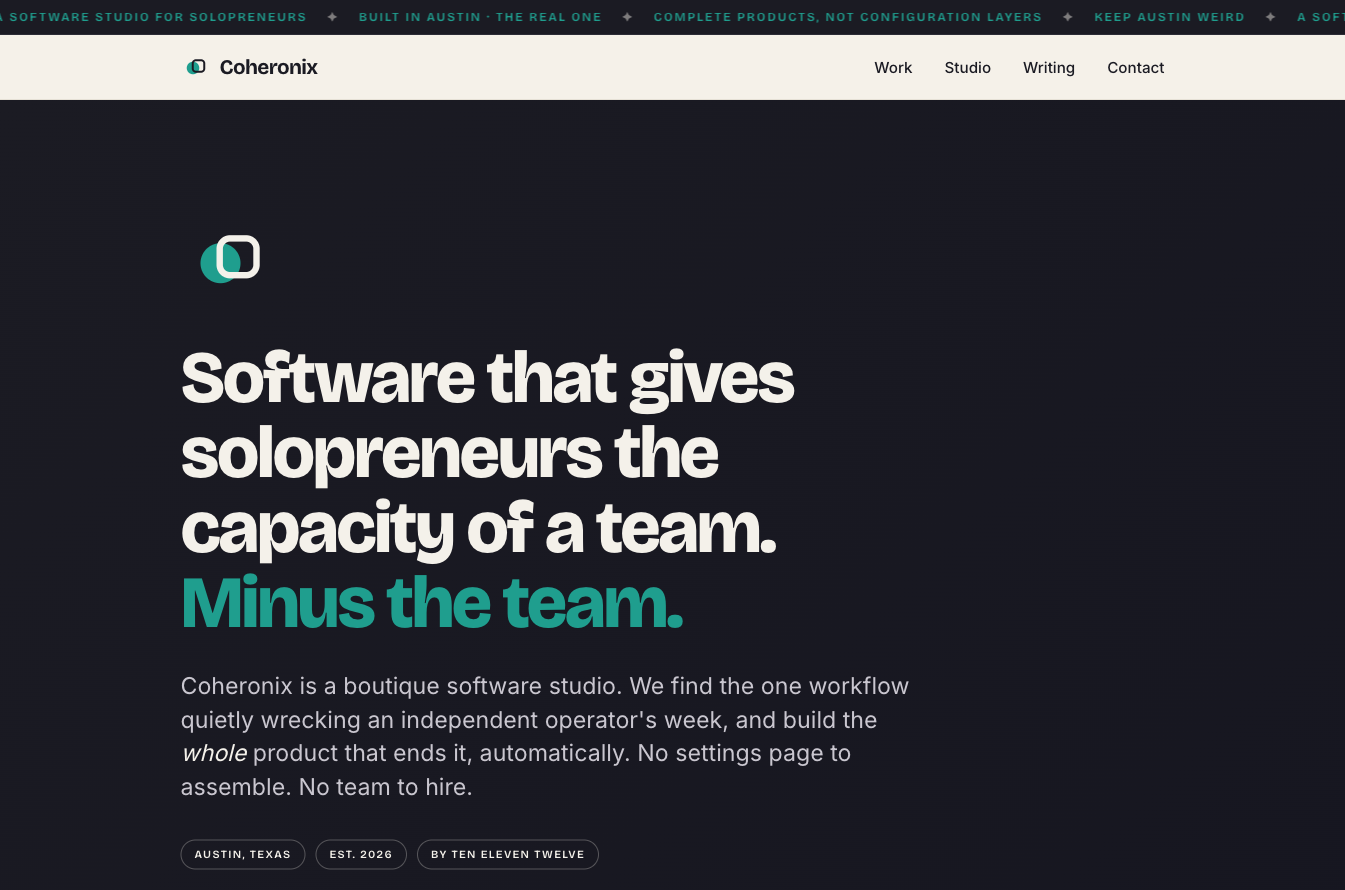
Coheronix
A boutique software studio: software that gives solopreneurs the capacity of a team
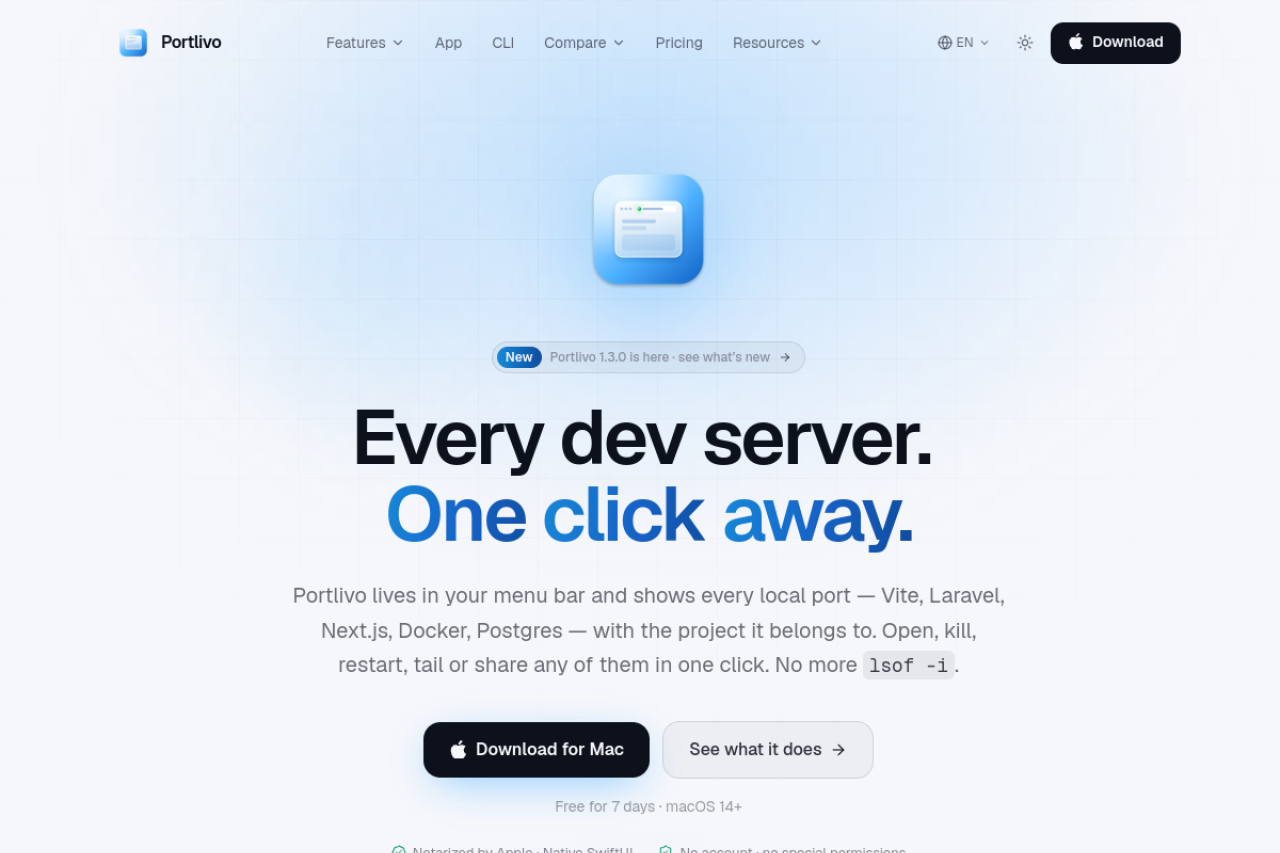
Portlivo
Mac menu bar app to see, kill, restart, or share every local dev server and port in one click.