Cutling
Keyboard and Mac menu bar picker that pastes your saved text snippets with one tap
Visit Website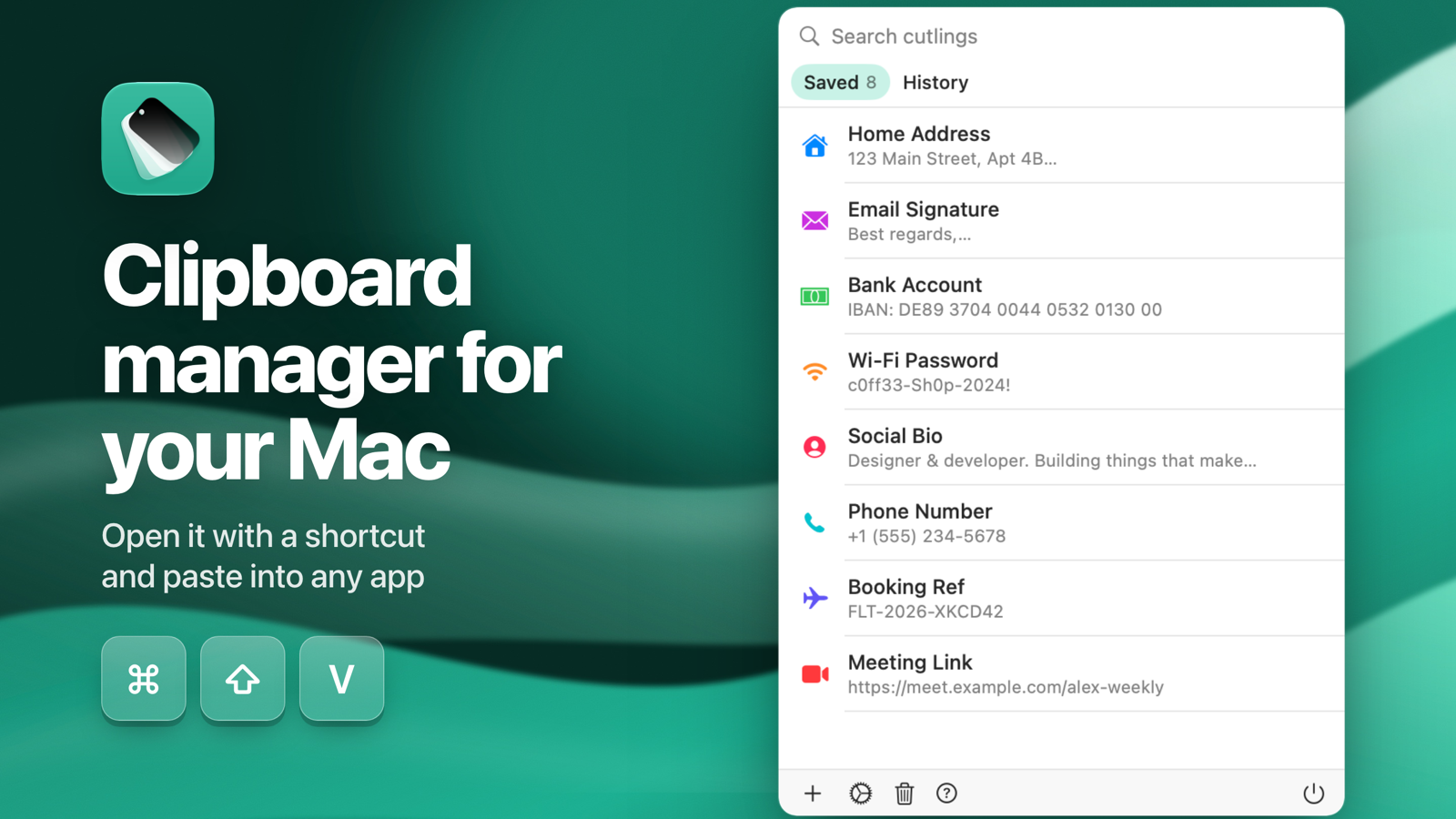
About Cutling
Cutling keeps the text you type again and again (your address, bank details, an email signature, the reply you send every week) and pastes it with one tap.
On iPhone and iPad it is a keyboard you switch to in any app. Open Cutling, create your snippets, enable the keyboard, then tap a snippet wherever you are typing. In an email field your email addresses come up first.
On the Mac it sits in the menu bar, and Shift-Command-V opens a picker at your cursor. It also keeps a history of what you copy, and skips anything a password manager marks as concealed, so copied passwords never land in it.
Snippets sync across your devices with iCloud, can expire on a date you pick, and get one of 12 colours and an icon so you can scan them fast. Deleted snippets wait in Recently Deleted for 30 days.
No account, no ads, no tracking. One purchase covers iPhone, iPad and Mac.
More Products

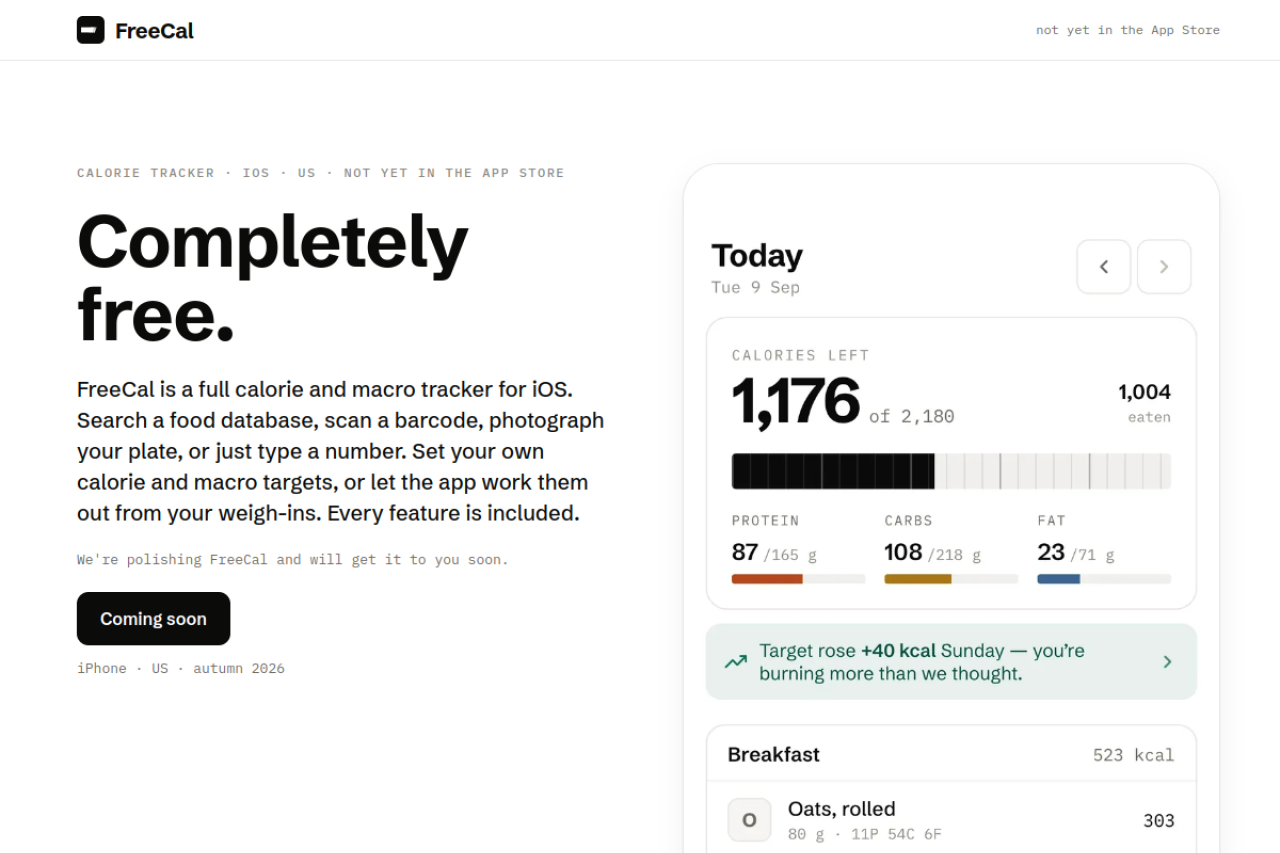
FreeCal
Free calorie and macro tracker for iPhone with nothing behind a paywall
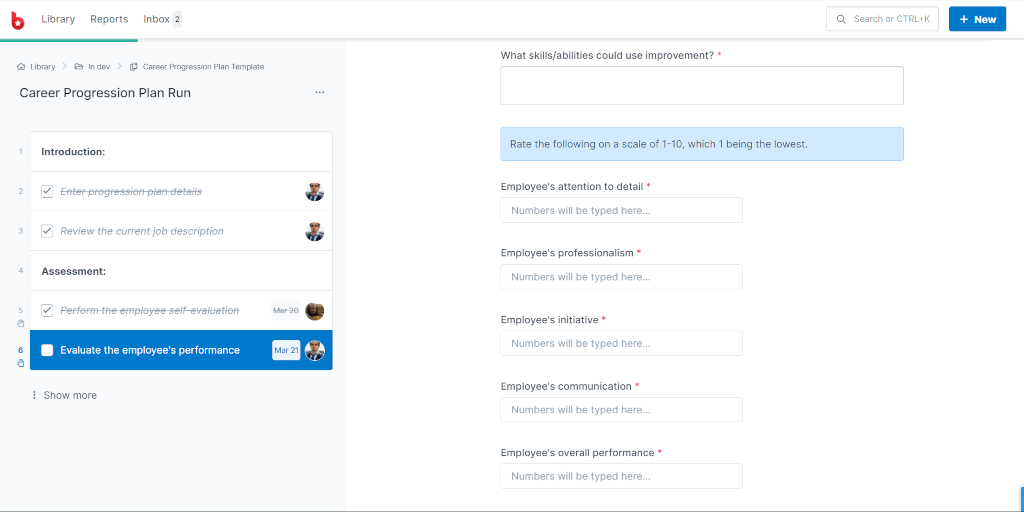
Process Street
Agentic process automation for high-stakes operations